Introduction
Recently, the design lead at Cursor shared a series of techniques for writing high-quality code using AI. These methods not only help developers better utilize AI tools but also significantly enhance programming efficiency.

The AI programming field has been buzzing lately, especially with ByteDance’s Trea supporting MCP. After trying it out, the user experience is impressive. They have integrated popular MCPs, making it easy for users to add them.
However, I still prefer not to use Trea.
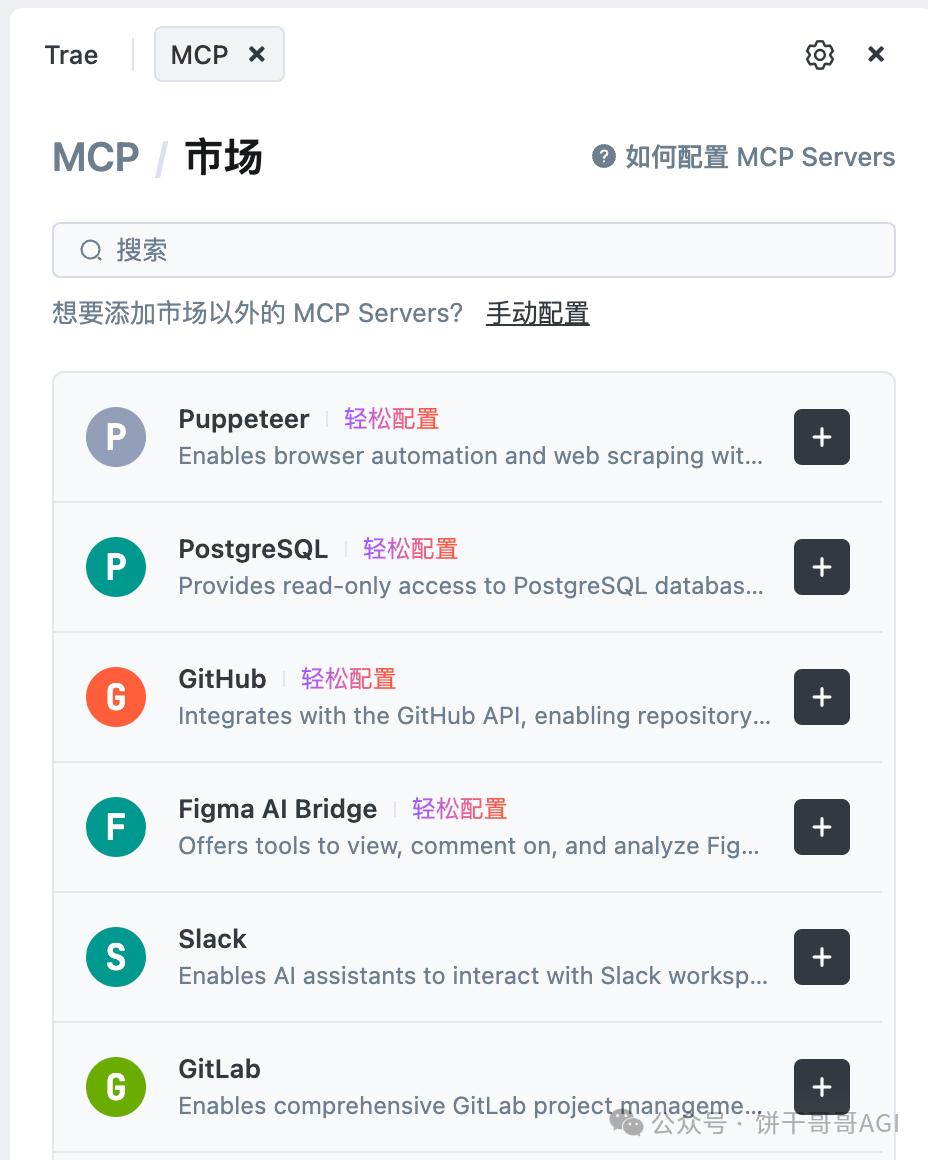
Although Trea allows free access to Claude 3.7, the version within Trea likely limits its capabilities. When I submitted modification requests for the same file in both systems, Cursor’s understanding was strong and very useful, while Trea made numerous confusing changes.
This highlights two points:
- Cursor has optimized many engineering details that cannot simply be bought; they require time and experience.
- To write good code using AI, the issues may not only lie within AI and coding knowledge but also in the hidden “insider” aspects.
A while ago, I shared 30 tips for using Cursor effectively (with examples). Today, I came across the design lead’s 12 insights on smoothly writing code with Cursor, which I’m excited to share.

Establish Clear Project Rules
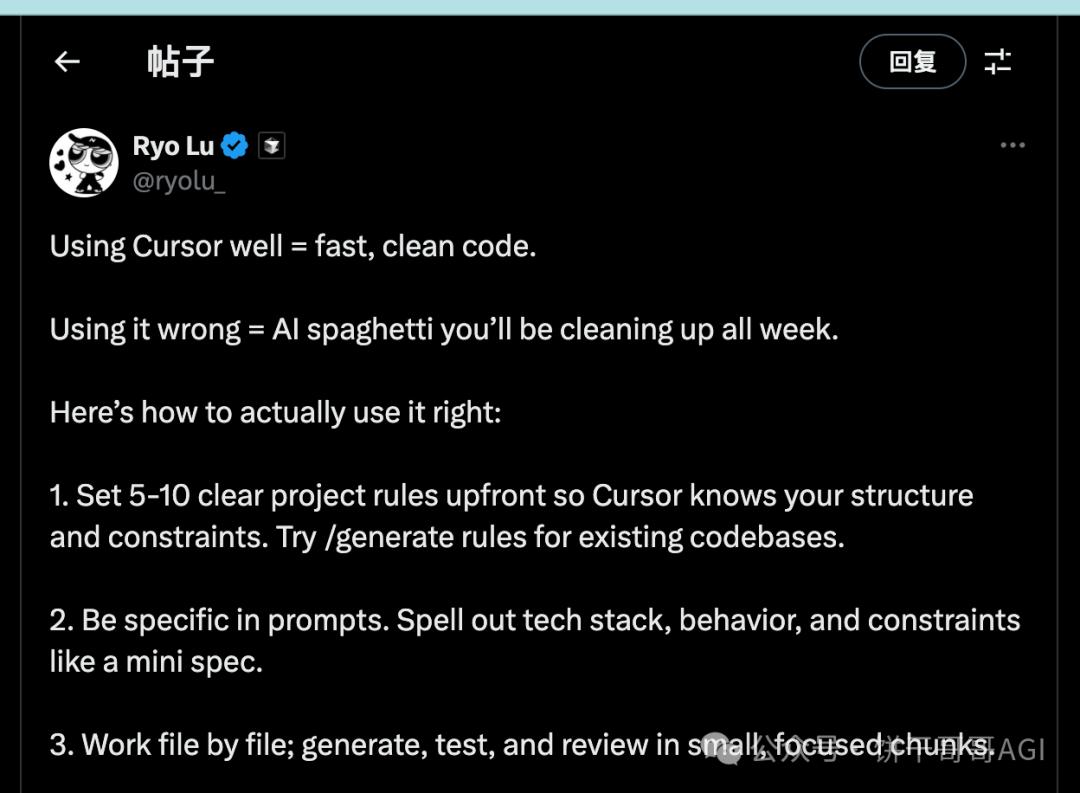
Start by setting 5-10 clear project rules to help Cursor understand your structure and constraints. This step is crucial! Key point: use the /generate rules command to have AI automatically generate rules for your existing codebase, which is incredibly satisfying!
Be Precise with Prompts
Prompts need to be precise; vague prompts lead to poor output. Clearly specify the tech stack, behaviors, and constraints in your prompts, much like writing a mini specification document. AI isn’t mind-reading; if you don’t clarify, how will it know what you want?
Focus on File-Level Iteration
Generating an entire project at once? Wake up! Work on one file at a time: generate, test, review. This keeps the work chunks small and focused, making it easier to locate and fix issues when they arise.
Prioritize Testing
To be honest, write tests first, lock them in, then let Cursor generate code until all tests pass. This approach is fantastic! Test-driven development combined with AI is a match made in heaven, significantly boosting efficiency.
Never Forget Manual Review
No matter how powerful AI is, mistakes happen. Always manually review outputs and fix any issues, then provide Cursor with the corrected code as an example. Skipping this step could lead to regrets later.
Direct Cursor’s Attention
Use @file, @folders, and @git commands to focus Cursor’s attention on the correct parts of the codebase. It’s like telling a friend, “Look here!” to avoid it wandering off and writing incorrect code.
Store Design Documents in the .cursor/ Directory
Place design documents and checklists in the .cursor/ directory so that the agent can fully understand what to do next. The more comprehensive the context, the higher the output quality—this is a truth!
Correct Code Directly Instead of Explaining
If the code is wrong, just write the correct version yourself. Cursor learns faster from your edits than from explanations! Sometimes, it’s better to dive in and fix rather than explaining for ages.
Utilize Chat History
Make good use of chat history to iterate old prompts, so you don’t have to start from scratch each time. This tip is incredibly practical and can save a lot of repetitive input time, directly enhancing efficiency!
Choose the Right Model
Consciously select models based on needs: use Gemini for precision and Claude for breadth. Different models have different strengths, just like different tools are suited for different tasks.
Documentation is Crucial for New Tech Stacks
In new or unfamiliar tech stacks, paste documentation links directly and let Cursor explain all errors and fixes line by line. Don’t hesitate to let AI be your technical teacher, guiding you through problem-solving!
Index Large Projects Overnight
Allow large projects to index overnight and limit the context scope to maintain agile performance. This is like preparing in advance so you can dive right in the next day, boosting efficiency!
Conclusion: Structure and Control are Key
Treat Cursor as a powerful junior developer—if you point the way, it can advance quickly. But first, you need to know the path!
The core of effectively using Cursor is: clear guidance + strict review + continuous feedback. Master these, and your AI programming efficiency will definitely reach new heights!
Have you used Cursor? Do you have unique tips to share? Or have you encountered any pitfalls during use? Feel free to leave comments and share your experiences as we explore more possibilities in AI programming together!
Comments
Discussion is powered by Giscus (GitHub Discussions). Add
repo,repoID,category, andcategoryIDunder[params.comments.giscus]inhugo.tomlusing the values from the Giscus setup tool.